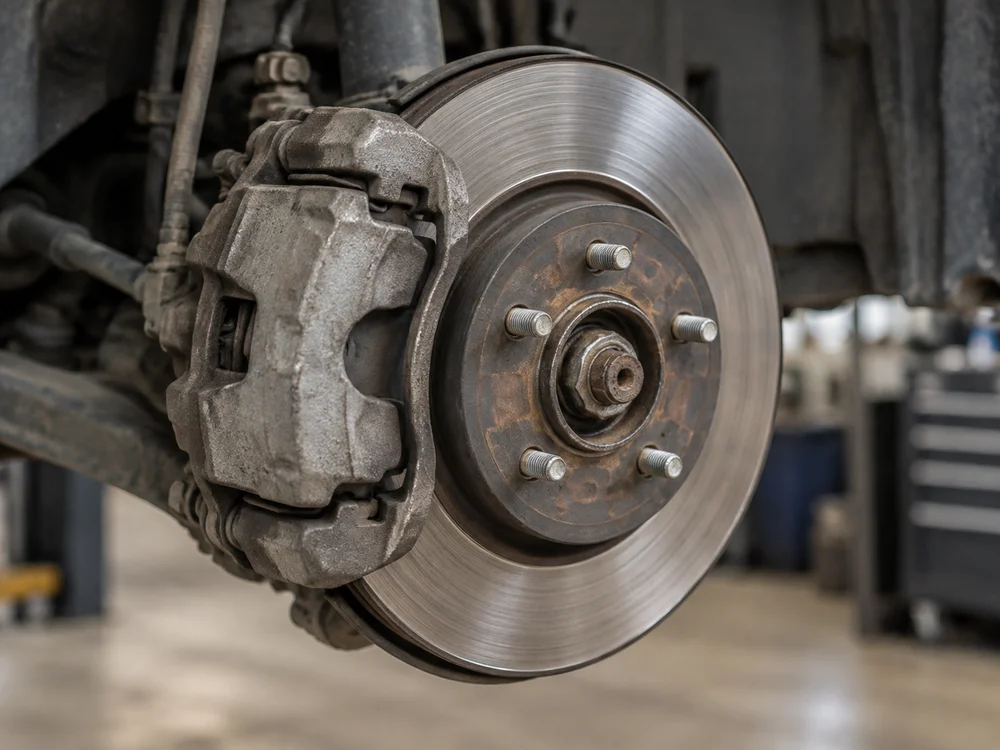
Front brake repair
$480.00
Note from your shop
Front pads and rotors are worn. Replace the front pads and rotors.

Write parts and labor into an estimate. Send a link so customers can review each job and approve or decline it.
| Description | Amount |
|---|---|
| Brake pads (front) | $120.00 |
| Front rotors (front) | $180.00 |
| Labor | $180.00 |
| Total | $480.00 |
Write the estimate first. Add the customer record later.
| Description | Qty / Hours | Amount |
|---|---|---|
| Brake pads (front) | 1 | $120.00 |
| Front rotors (front) | 2 | $180.00 |
| Labor | 2.5 | $180.00 |
| Total | $480.00 | |
Add photos and notes to explain the repair. Customers can review the work on their phone and approve or decline each job.
$480.00
Front pads and rotors are worn. Replace the front pads and rotors.
You enter labor times, costs, and selling prices. Brinlo does not include a labor database or automatic parts pricing.
Yes. Write the estimate first. Add the customer and vehicle when you are ready to send it for review.
Yes. A customer can approve one job and decline another on the same estimate. Declined work stays out of the invoice.
Send the revised estimate for approval. The earlier approval does not cover changed or added work. Each approval stays in the repair's authorization history.
Carry approved parts and labor into the invoice without retyping. Keep the estimate and approval with the same repair.